
 EN
EN
 ar
ar bg
bg hr
hr cs
cs da
da nl
nl fi
fi fr
fr de
de el
el hi
hi it
it ko
ko no
no pl
pl pt
pt ro
ro ru
ru es
es sv
sv tl
tl iw
iw id
id lv
lv lt
lt sr
sr sk
sk sl
sl uk
uk vi
vi et
et hu
hu th
th tr
tr fa
fa ms
ms hy
hy ka
ka ur
ur bn
bn mn
mn ta
ta kk
kk uz
uz ku
ku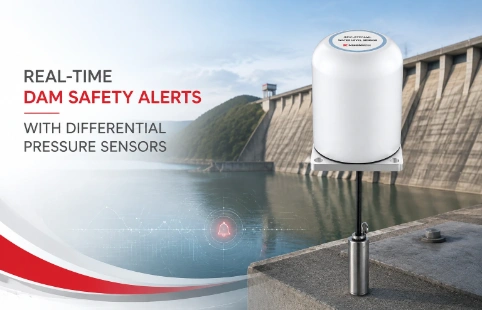
Real-Time Dam Safety Alerts with Differential Pressure Water Level Sensors
Key Takeaways An alert chain needs more than a sensor: define field in...

Web-Based Monitoring Software That Works With Your Instruments
Most geotechnical monitoring setups still rely on someone physically visiting the site to pull data. That works until you need readings from a slope after heavy rain, or when a excavation pit is showing movement at 3 am. Kingmach's web-based monitoring software is built to solve this. You log in through a browser, check live sensor data, set alert thresholds, and generate reports without installing anything on site. The platform handles a wide mix of geotechnical instruments—inclinometers, piezometers, load cells, crack meters—and presents the numbers in a clean, readable interface. Custom dashboards can be arranged if the default view doesn't match how your team works. Kingmach does not sell the software as a stand-alone product; it comes integrated with their hardware and is supported by engineers who understand the instruments, not just the code. For projects with multiple stakeholders, user roles and access levels keep data organized. It is not the flashiest system on the market, but it is designed to stay running when connectivity is patchy and to make field data useful to people in the office.
Technical Detail
Kingmach's web-based monitoring software connects directly to their geotechnical instruments and logs data on a server you can reach from any device with internet access. The interface is not overloaded with features. It focuses on what matters: current readings, historical trends, alarm status, and basic report generation. The software is developed alongside the sensors, so there is no translation layer that introduces delays or compatibility gaps. Common instrument types—vibrating wire, MEMS, optical—are supported without extra drivers or middleware. For project managers, the system offers configurable alert rules. If a pore pressure value climbs past a threshold, the software can push a notification to a list of contacts by email or, in some setups, SMS. The alert log is timestamped and stored, making compliance documentation straightforward. Data export goes to CSV or PDF with metadata stamped automatically, so you do not spend time formatting. Customization is a practical part of the offering. If a monitoring scope includes unusual sensors or a specific reporting structure, Kingmach will adjust the software to match. This is not infinite custom development—it is adapting proven modules to project needs. The company’s background in manufacturing the instruments means the team knows how sensor data behaves in the field, not just in a lab. That experience shows in the way the software handles noisy readings, battery levels, and sensor drift. Support is handled by the same engineers who work with the hardware. There is a global distribution network, so local help is often available. Training is typically a short online session, and documentation is written for technicians, not academics. The goal is to get the system running and then stay out of the way. Kingmach treats the software as part of the monitoring package, not as a separate product, so pricing is project-based and includes updates and maintenance. No per-user license fees pile up as the team grows, which keeps long-term costs predictable.
News
Key Takeaways An alert chain needs more than a sensor: define field in...
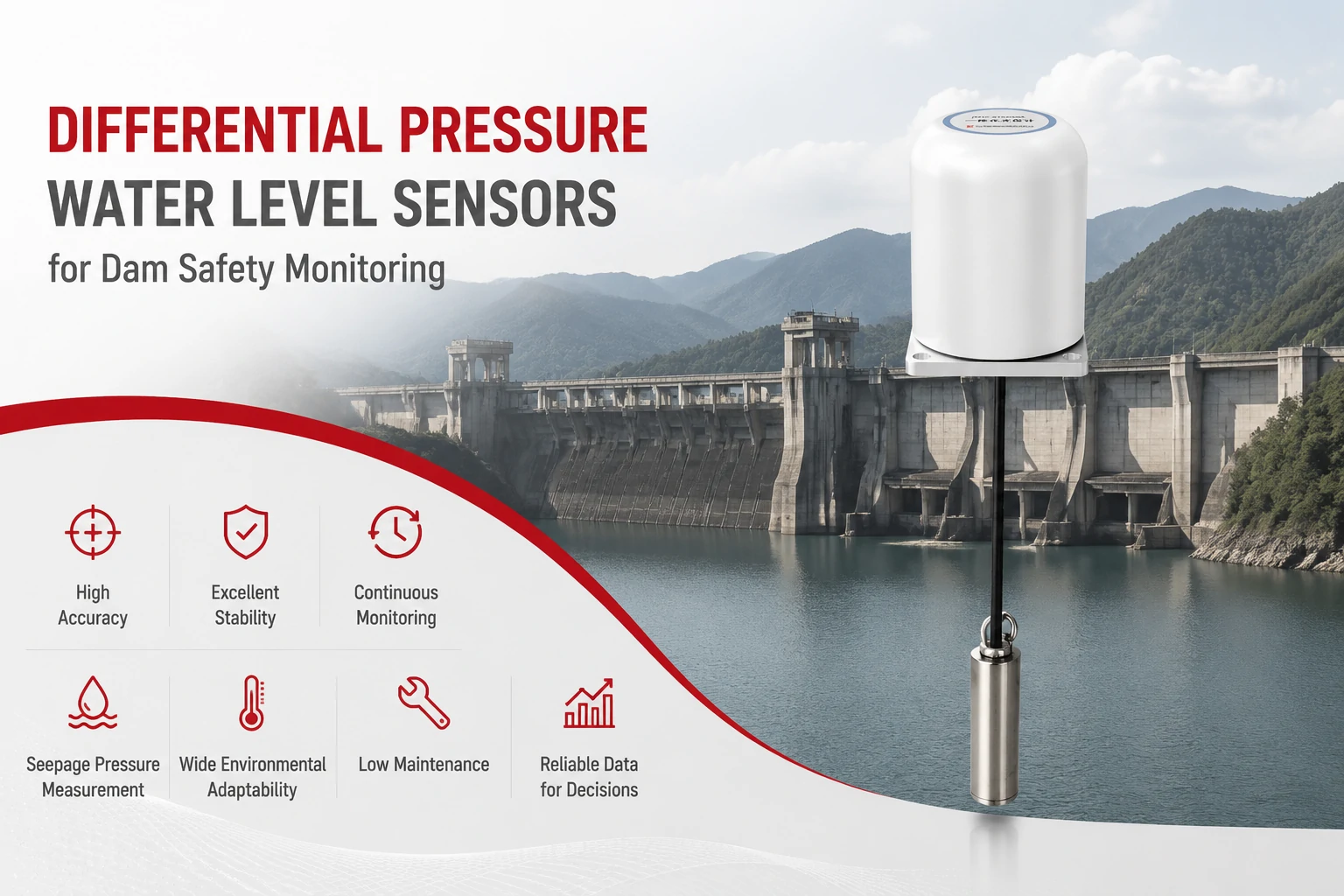
Key Takeaways The strongest fit is usually a confined, submerged, or s...
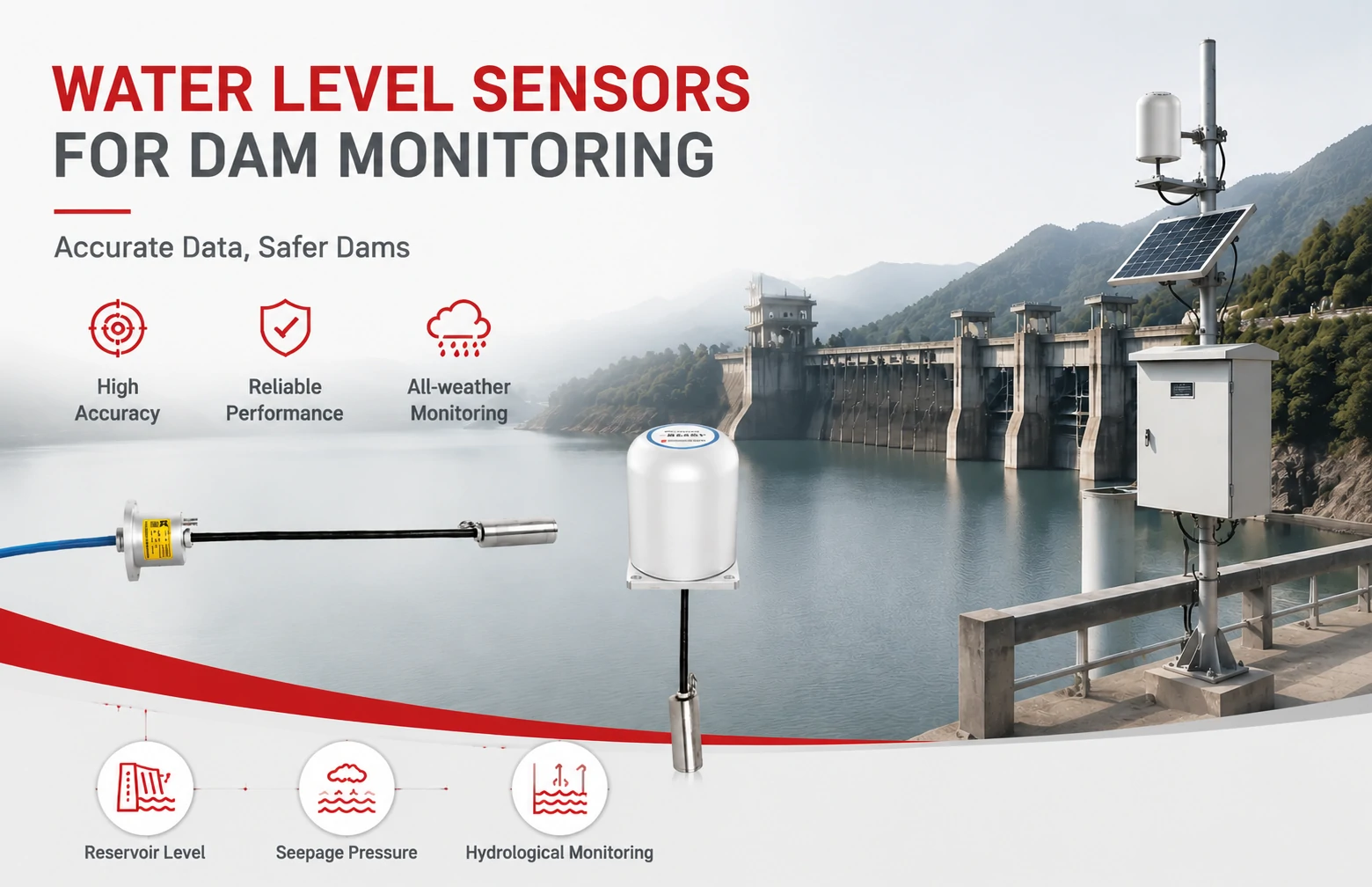
Kingmach Water Level Sensors for Dam Monitoring: A Buyer's Guide to Differential Pre...
Products
FAQ
Usually yes, as long as the sensors output standard signals (e.g., 4-20 mA, RS-485, Modbus). Kingmach can review your existing sensor list and confirm compatibility before quoting. Legacy instruments with proprietary protocols might need an interface converter, but many common geotechnical sensors work directly.
The platform uses HTTPS encryption for all browser sessions, and server access requires credentials with role-based permissions. Data is stored on servers that can be on-site (your hardware) or cloud-hosted, depending on the project. Audit logs track who viewed or exported data.
The system buffers data locally on the datalogger if connectivity drops. Once the connection comes back, the logger syncs the full history to the server. This avoids gaps in the record. In fully offline sites, local visualisation is available through a physical display or a local network page.
Yes. You can schedule PDF reports with selected graphs, tables, and notes to go out daily or weekly. The templates can include project details and logos. Manual report generation is also available for ad-hoc sharing.
For each deployment, the engineering team runs a remote training session covering login, dashboard navigation, alarm setup, and data export. Recorded walkthroughs and a concise user guide are also provided. Ongoing support is available through the distributor network.
Share your product type, target capacity, and application requirements. Our team can review the details and recommend a practical next step.
If you are interested in our products or want to become our partner.
Please leave your contact information, our team will contact you as soon as possible.
Mail: [email protected]
Contact Us: +8613808434127
Address: No. 188 Tongzipo West Rd, Changsha, Hunan, China